Your disk, as cushions.
Scan a whole drive in seconds, filter 100,000 files while you type, and watch it all in a smooth, crisp treemap. One 510 KiB exe.
DownloadVideo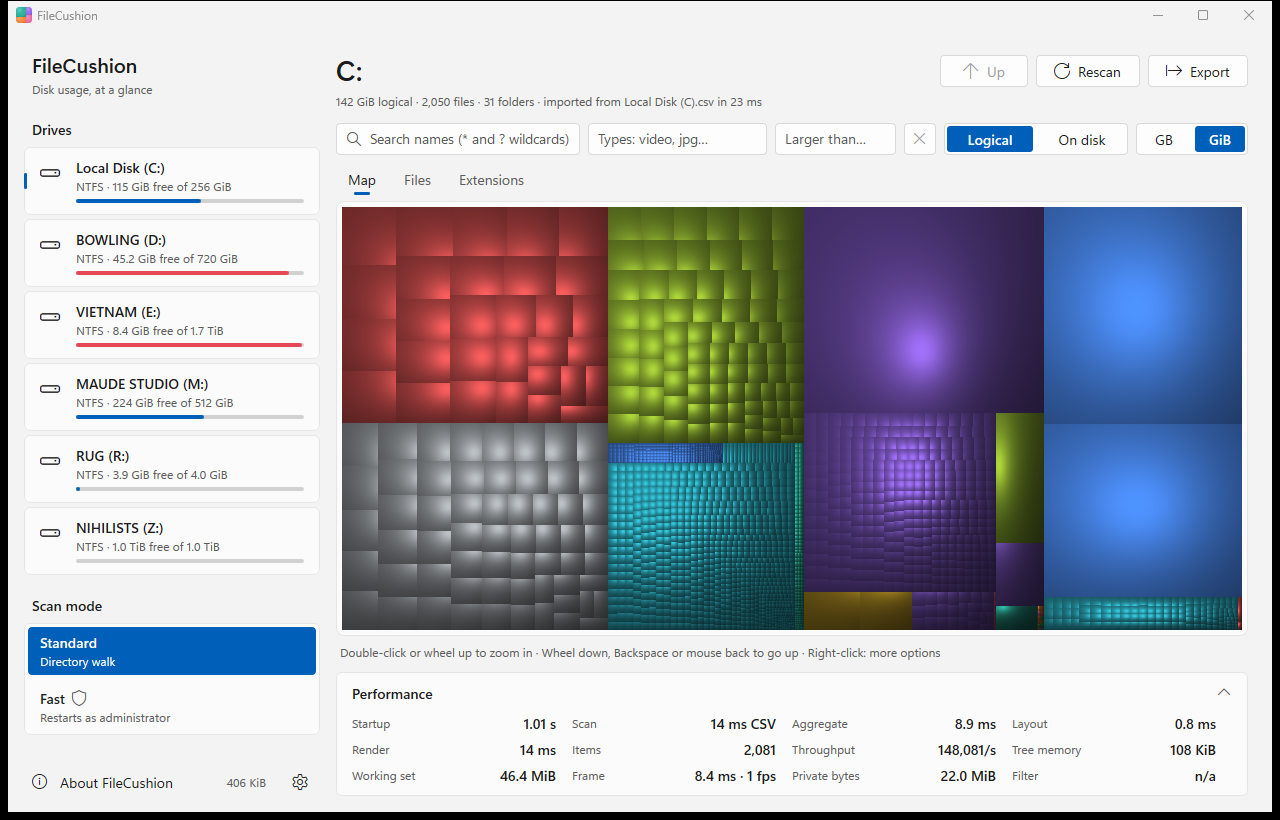
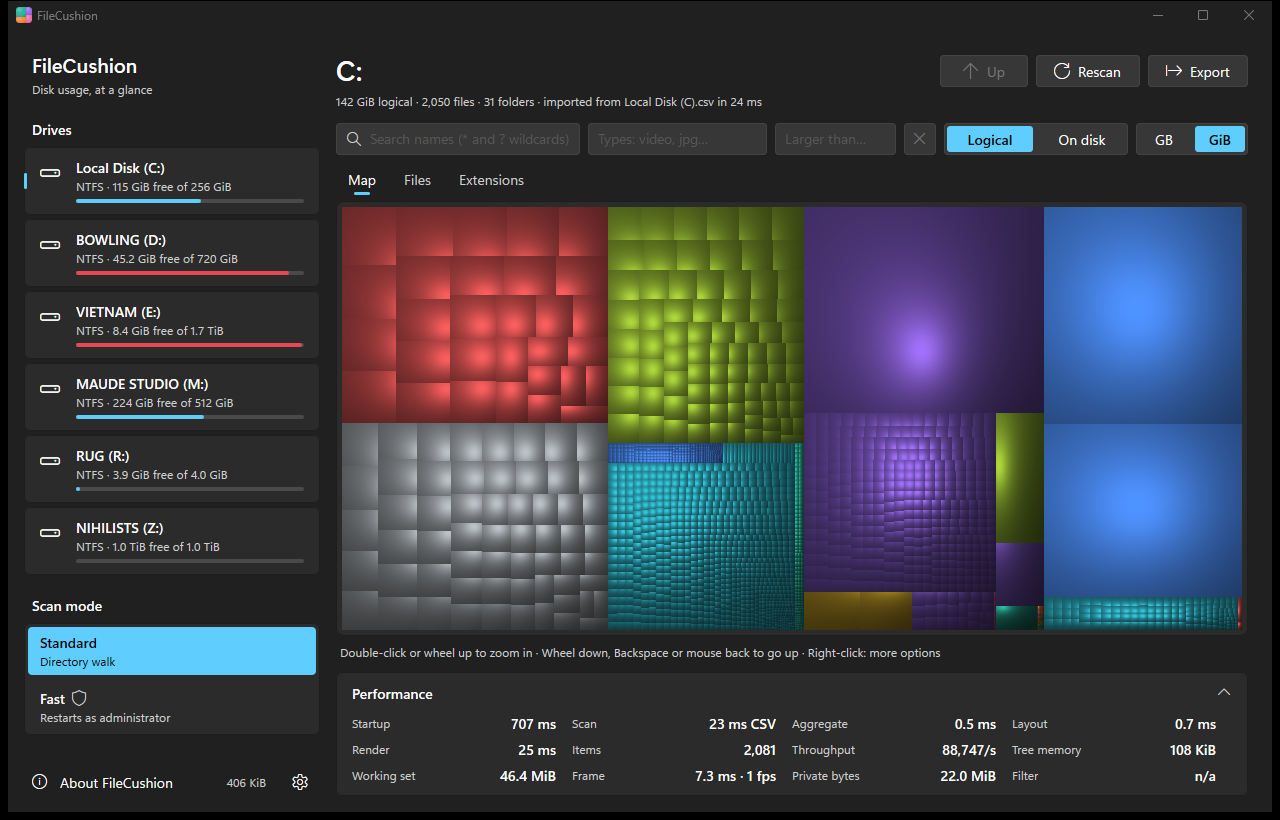
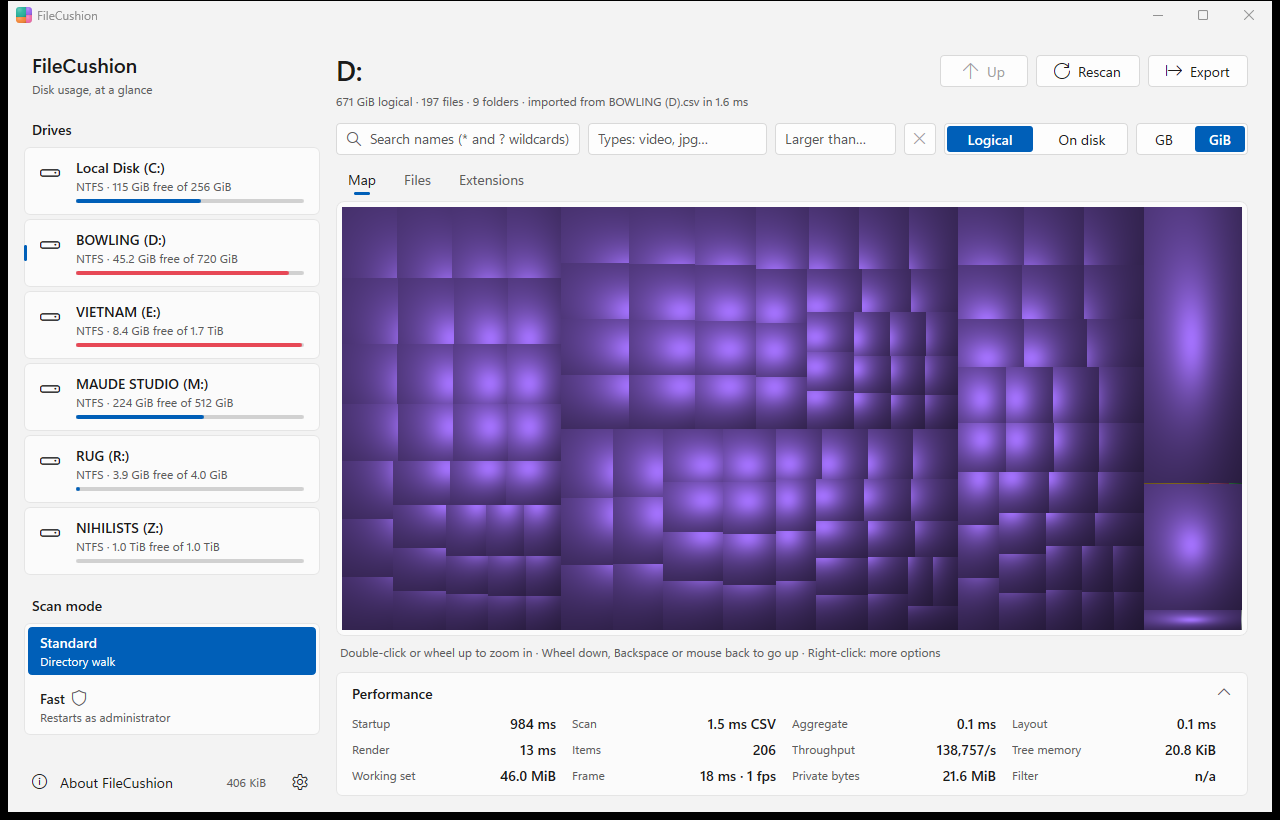
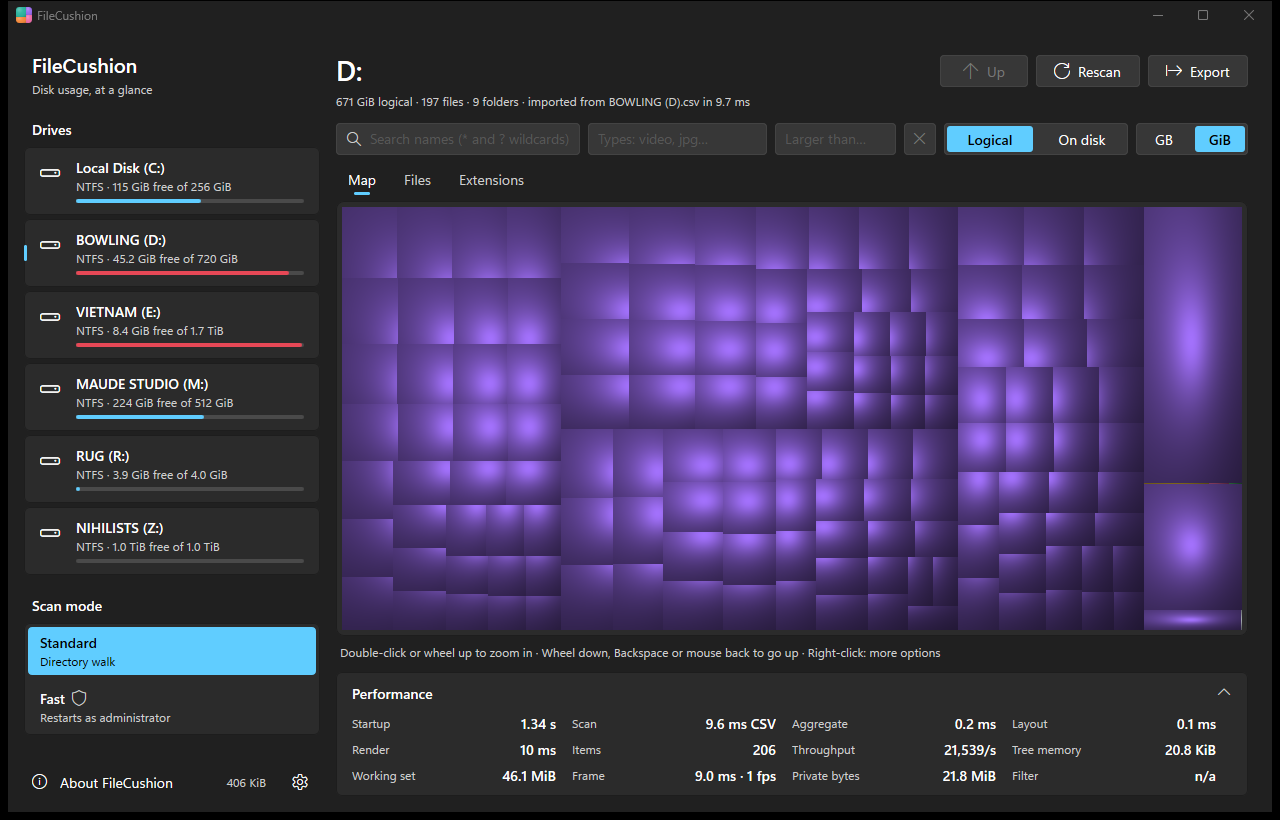
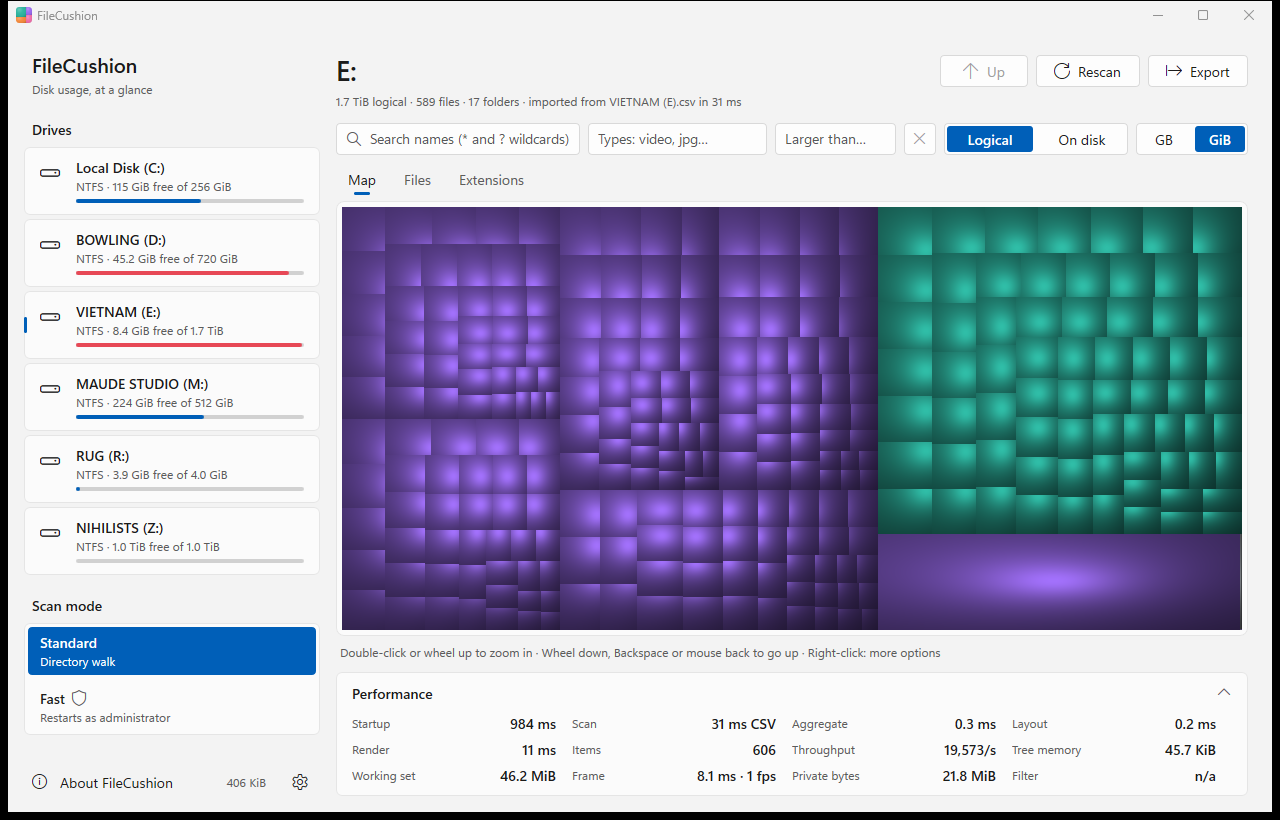
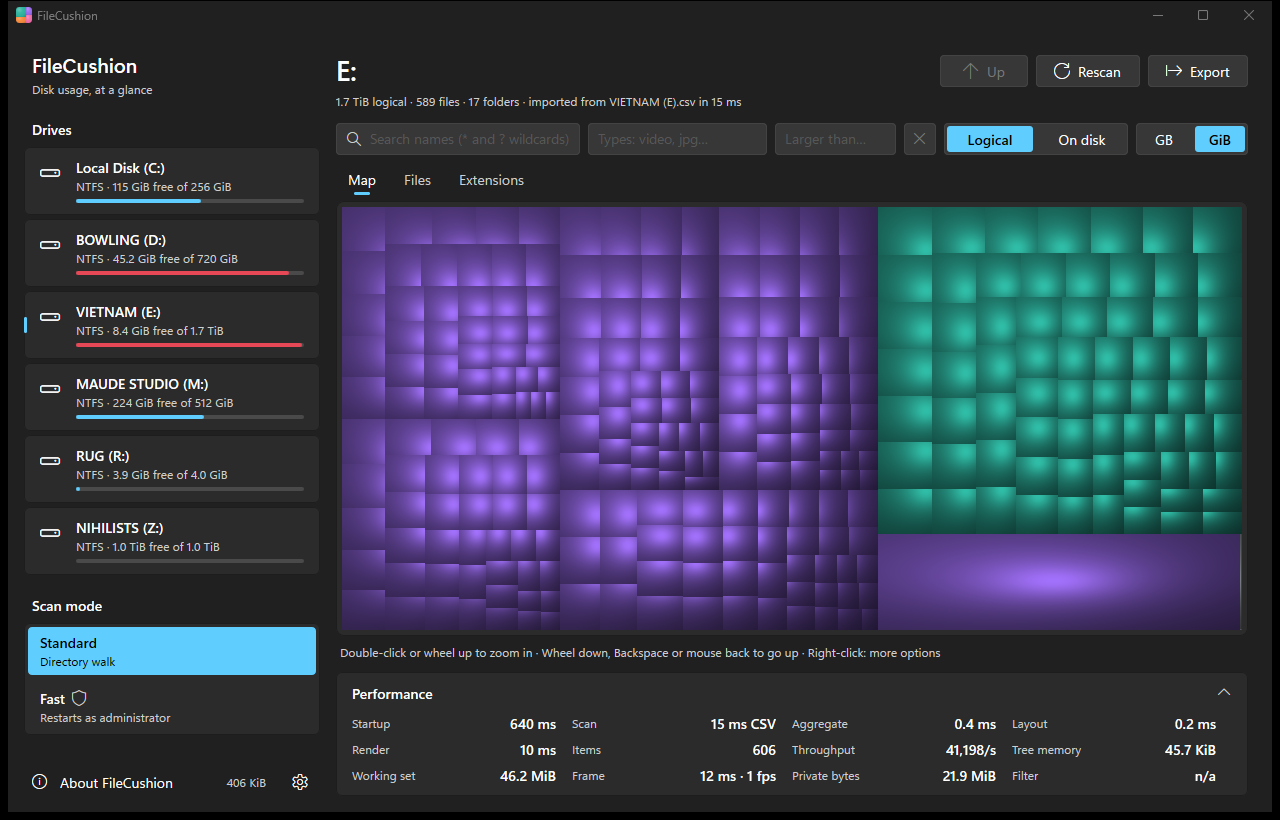
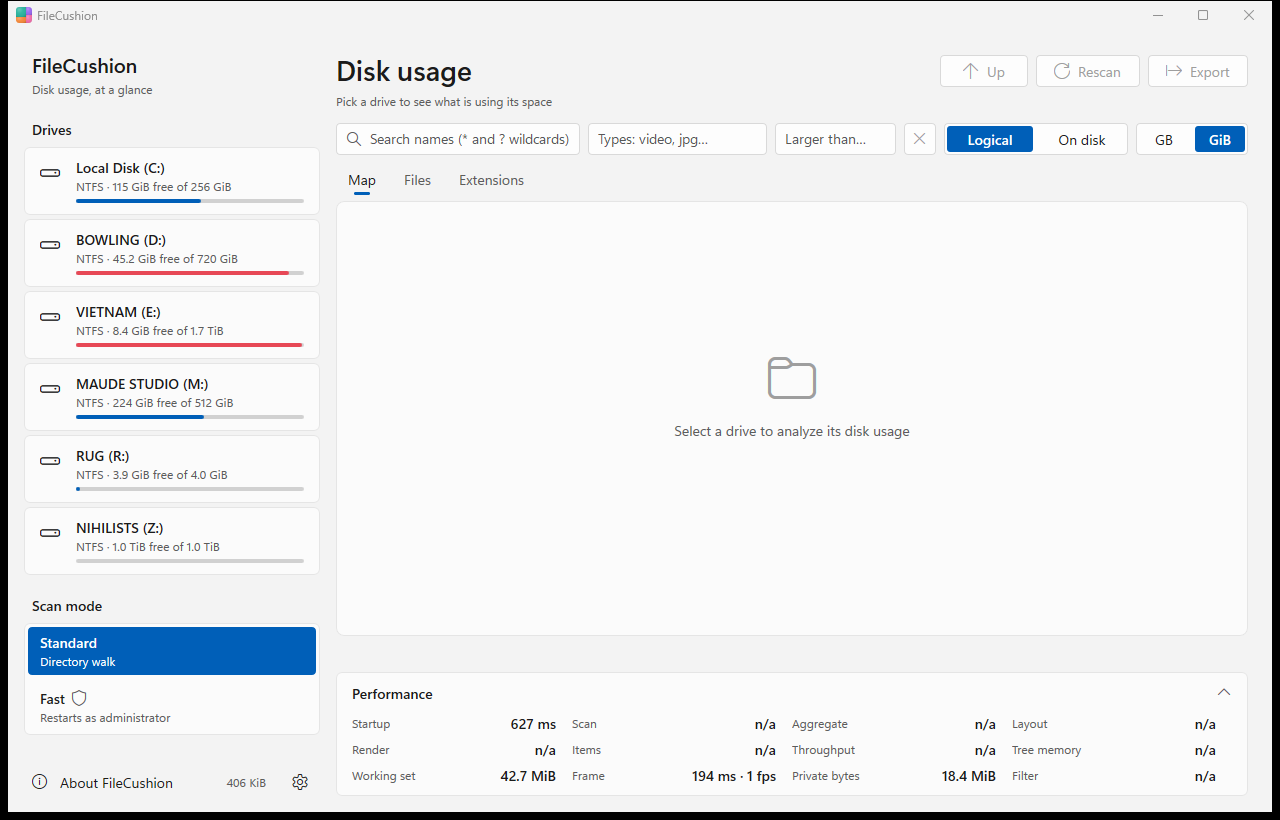
whole system drive C:, 1.9 million entries, with the Fast (MFT) scan
103,000 files in C:\Program Files, standard scan
to filter 117,000 entries by name, type or size
the whole app: one exe, no runtime, no installer needed
Benchmarks
Measured with the built-in benchmark on an older laptop: Intel Core i7-6600U (2 cores, 4 threads, from 2015), 20 GiB RAM, Samsung SATA SSD, Windows 11 Pro. C: has 476 GiB, 416 GiB of them in use. First scan is the first run; next scans is the median of the runs after it, when Windows already has the file system data cached.
| Scan | Entries | First scan | Next scans | Peak memory |
|---|---|---|---|---|
| C:, Fast scan (MFT, as administrator) | 1,873,269 | 14.0 s | 6.7 s | 140 MiB |
| C:, standard scan | 1,686,765 | 5 min 51 s | 2.5 to 3.4 min | 125 MiB |
| C:\Program Files, standard scan | 117,076 | 8.9 s | 2.0 s | 27 MiB |
Without administrator rights some system folders cannot be read, so the standard scan sees fewer entries. The Fast scan reads the NTFS master file table instead of asking for every folder, which is why it is many times faster on a whole drive.
| After the scan | C: (1.9 million) | Program Files (117,000) |
|---|---|---|
| Totals and sizes of every folder | 578 ms | 19 ms |
| Filter by type (images) | 245 ms | 8.7 ms |
| Treemap layout | 31 ms | 1.4 ms |
| Cushions drawn at 1920 × 1080 | 46 ms | 45 ms |
Measure your own drive:
filecushion --bench C:\ --mft --runs 5 --out c-drive.json
Watch
Responsive by design
Ultra-fast, hardware GPU accelerated UI, per-monitor DPI, light and dark, animated zoom, full keyboard and screen reader support. Hover a cushion and its folder lights up instantly.
Features
Cushion treemap
Every file is a shaded cushion sized by its bytes. Big folders jump out at a glance; hover frames the folder, double-click zooms straight in.
Instant filter and search
Wildcards, file types or categories (video, images, archives...) and a minimum size. The map relayouts while you type.
Logical or on disk
Switch between the size a file claims and the space it really occupies on the drive.
Hard links counted once
A file with several names is counted under one of them, so system folders no longer inflate the total.
GPU-drawn cushions
The cushions are shaded per pixel on the graphics card: smooth zoom animation, crisp at any scaling, light and dark theme.
Managed by policy
Organizations can deploy licence keys, restrict the scanned paths and pin settings. Locked settings stay visible and say so.
Fast MFT scan
As administrator FileCushion reads the NTFS master file table directly, skipping unused records. A full C: drive in seconds.
Cloud and compression aware
On disk counts NTFS-compressed, sparse and CompactOS files at their packed size and OneDrive online-only files at zero.
WizTree-compatible CSV
Export any scan from the window menu or the command line, row for row in WizTree's format. Alternate data streams are reported by the Fast scan.
Native Windows 11 look
Settings-like layout, system menu, comes back after a Windows update restart. One exe, no runtime.
Download
Microsoft Store · FileCushion
Installs and updates through the Store, for x64 and ARM64. Tips and Supporter are in-app purchases.
Get it from the Microsoft Store
Portable · filecushion.exe
Single exe, 510 KiB, signed. Drop a filecushion.ini next to it and settings and licence stay beside the exe. Updates itself when you agree.
Download for x64 Download for ARM64
MSI installer · FileCushion.msi
For software distribution (Intune, ConfigMgr, Group Policy), signed, per machine. msiexec /i FileCushion-x64.msi /qn LICENSE=… writes the licence as the policy value.
MSI for x64 MSI for ARM64
winget
winget install FileCushion.FileCushion
Install and update with Windows' package manager. Listing planned; the ID is the intended one.
Personal
FreeEvery feature, no key needed. For private use at home.
Supporter
Pay what you wantVoluntary support with your own licence: your name and a message in About FileCushion, updates ∞, and my thanks. In the Microsoft Store and Mac App Store versions, Supporter is an in-app purchase.
Support via PayPalBusiness
€ XX / seatNeeded for use at work. Packs of 5, 20, 50 or 100 seats. One year of updates included; the version you have keeps working.
Enterprise
On requestUnlimited seats for one site or several, one key for deployment by policy, priority support.
Every feature is free for everyone: a licence unlocks nothing. Private use needs no key; use at work needs a Business or Enterprise licence. Licence keys are checked offline. Prices shown are placeholders.
Command line
| FOLDER / X: | Scan that folder or drive right away |
| --elevate | Start as administrator, for the Fast scan |
| --no-splash | Skip the start-up card |
| --theme light|dark | Light or dark for this start, whatever Windows uses |
| --accent blue|teal|orange|violet|pink|system | The accent colour for this start, whatever Settings has |
| --scheme standard|contrast|colorblind|muted|lava | The cushions' colour scheme for this start |
| --import PATH | Open WizTree CSV files (or a folder of them) as drives |
| --export PATH FILE [--mft] | Scan and write a WizTree-format CSV (exit 0 written, 1 failed, 2 refused by policy) |
| --verify-key KEY | Check a licence key; exit code 0 = valid |
| --license-info | Licence in effect, its source, settings file and active policies; exit code 0 = valid |
| --dump-policy | Effective policy, licence, settings and update source as JSON |
| --bench PATH [--mft] [--types T] [--runs N] [--width W] [--height H] [--out file.json] | Scan, filter, layout and drawing benchmark |
Group Policy
ADMX templates (en-US, de-DE) with 10 policies for the computer and the user; computer > user > settings.ini. Values live under Software\Policies\FileCushion. Running copies pick up changes after gpupdate, without a restart. FileCushion never writes the registry itself.
copy policy\FileCushion.admx C:\Windows\PolicyDefinitions\
gpupdate /force
filecushion --dump-policy
| License | Deploy a licence key to every machine | REG_SZ |
| AllowedPaths | Only these folders and drives may be scanned | REG_MULTI_SZ |
| DisableMftScan | Standard directory walk only | REG_DWORD 1 |
| HideRestartAsAdmin | No offer to restart elevated | REG_DWORD 1 |
| DefaultSizeMode | Pins the size mode | Logical | OnDisk |
| DisableClipboardKeyDetection | Never read the clipboard | REG_DWORD 1 |
| DisableMemoryGame | Hide the easter egg in the About card | REG_DWORD 1 |
| ProtectedPaths | Folders that can never be marked for deletion | REG_MULTI_SZ |
| DisableDelete | No marking for deletion, no Delete key, no Recycle Bin | REG_DWORD 1 |
| UpdateCheck | 0: never contact an update server. 1: check automatically; users still decide whether to install | REG_DWORD 0 | 1 |
| UpdateUrl | Your internal mirror of the update folder (direct download only) | REG_SZ |